General Concepts and Light Types
Core Concepts
Radiance Cascades
Radiance Cascades is a novel lighting technique that accurately approximates global illumination in 2D. The system uses a series of lighting probe cascades to capture the lighting information in the scene. Each cascade gradually trades spatial resolution for angular resolution (placing fewer probes making each probe capture more directions), efficiently consolidating the global lighting information.
Variants
A high-level overview of the provided radiance cascades variants. Check out the links in the References section for more details.
Vanilla Radiance Cascades
The original Radiance Cascades implementation. In many cases it's the most performant option. However, it's also the most prone to light leaks and ringing artifacts.
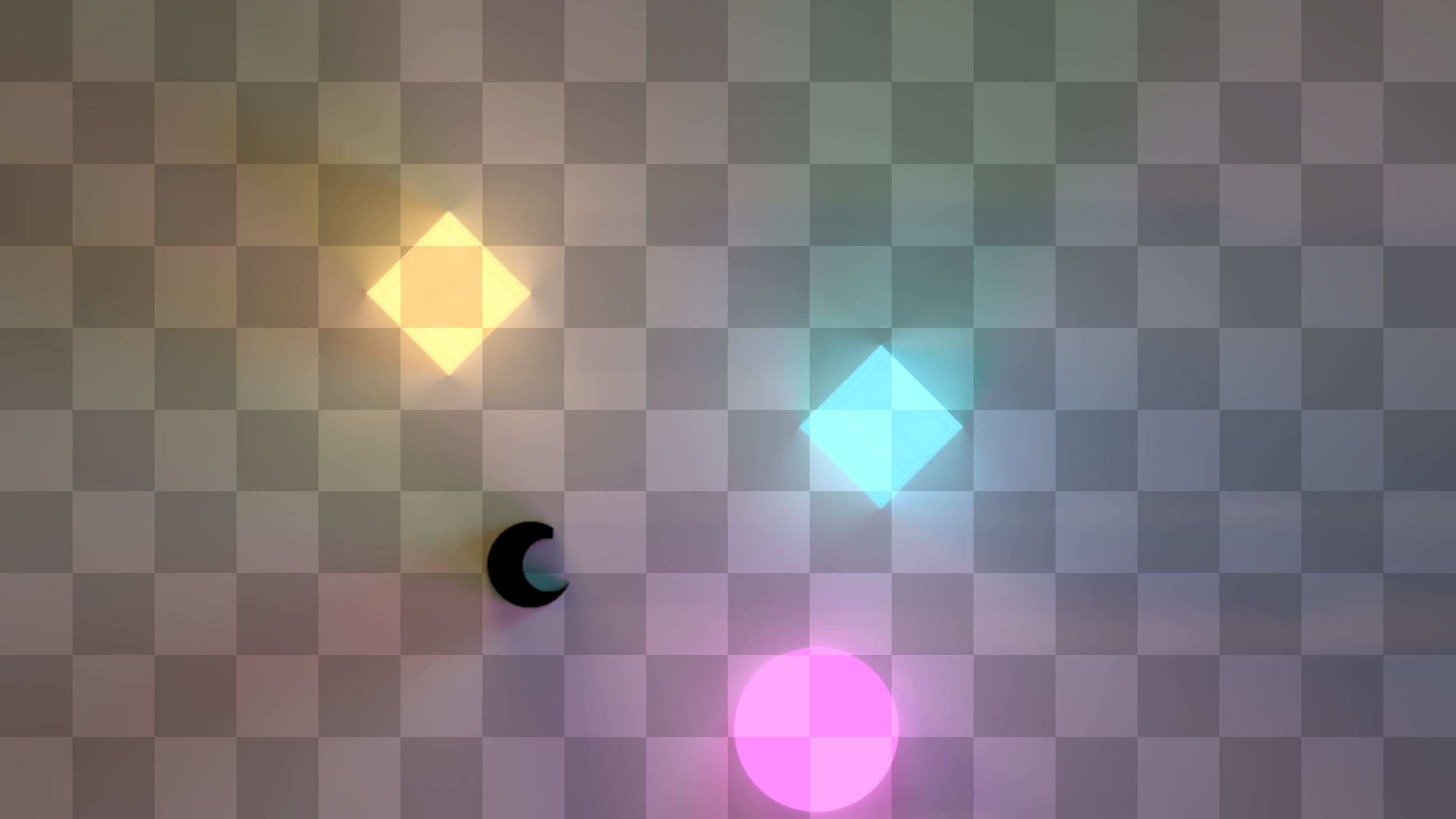
Bilinear Fix
Bilinear fix is a slight modification of the original radiance cascades intended to address the artifacts in the vanilla version. It is achieved by precisely matching the ray ends of the lower probe cascades to the ray starts of the higher cascades. It requires 4x as many rays traced for each probe, so the fix comes with a substantial performance hit.
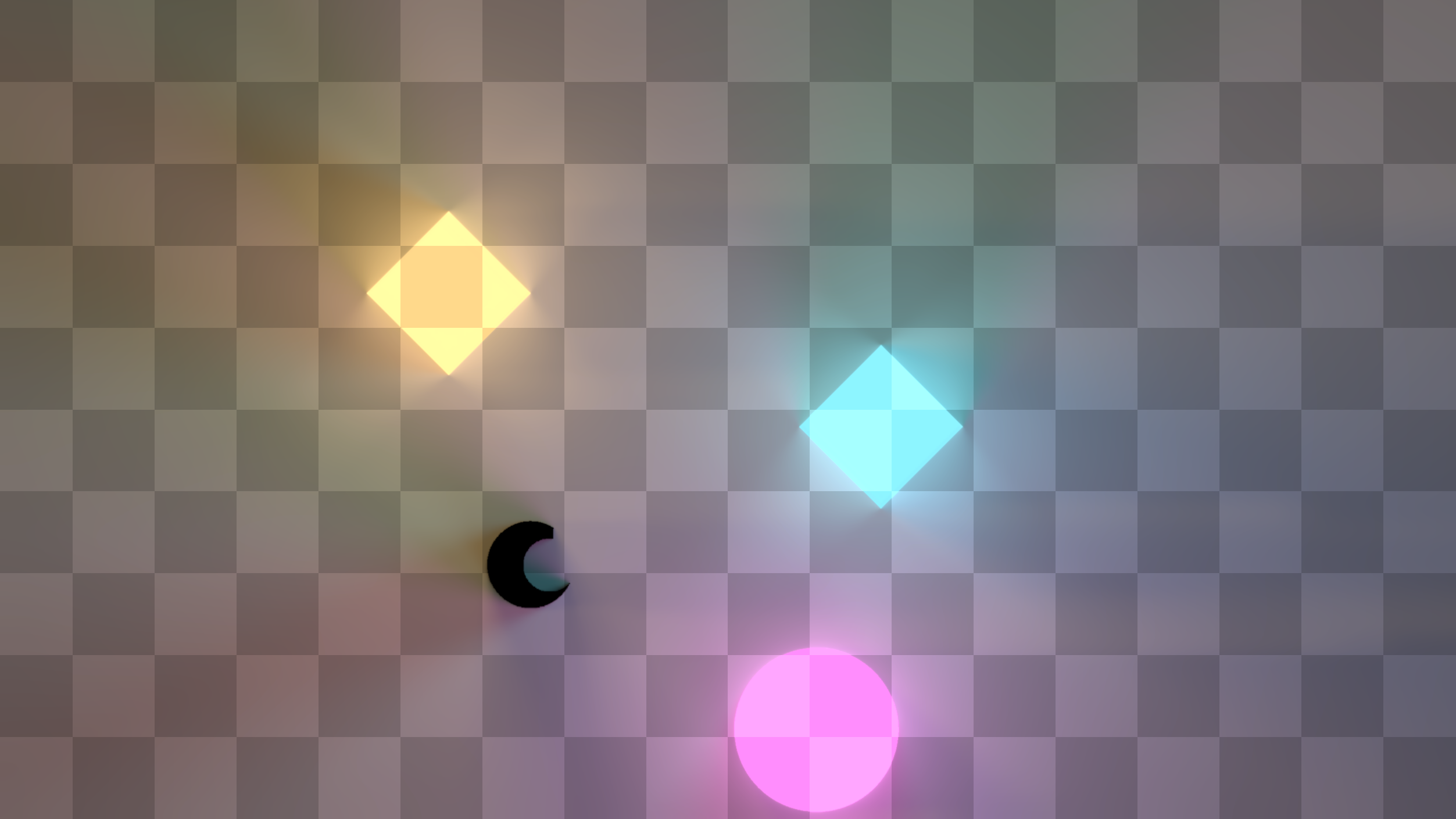
Holographic Radiance Cascades
Holographic Radiance Cascades is the latest development of the original idea. It uses a different approach to probe placement achieving perfect tiling of the areas covered by light probes. In contrast, the probes in both the vanilla and the bilinear fix approaches partially overlap and might even have gaps between them (in the vanilla version). Also, the alternative probe placement enables more precise capturing of penumbras, producing sharper, more physically correct shadows.
And finally, it enables the use of an acceleration structure that makes the effect performance cost mostly independent of the scene complexity. Check out the Usage Guide and [Performance Tips] for more details.
This is the recommended variant for most cases.
| Note the subtle hard horizontal shadows extending to the right. They are coming from the directional light source. The former two variants are unable to capture such hard shadows |
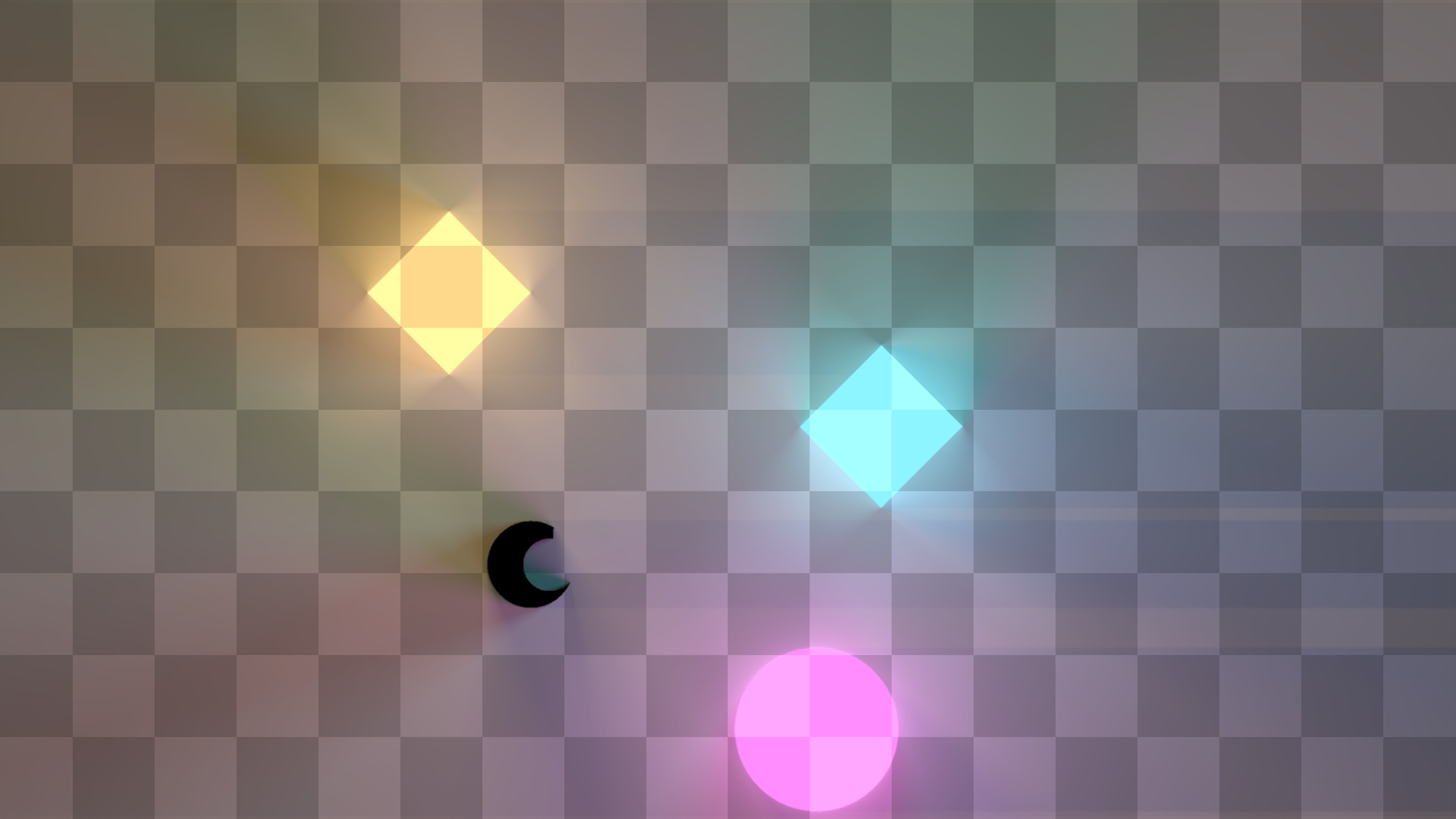
Lightmap
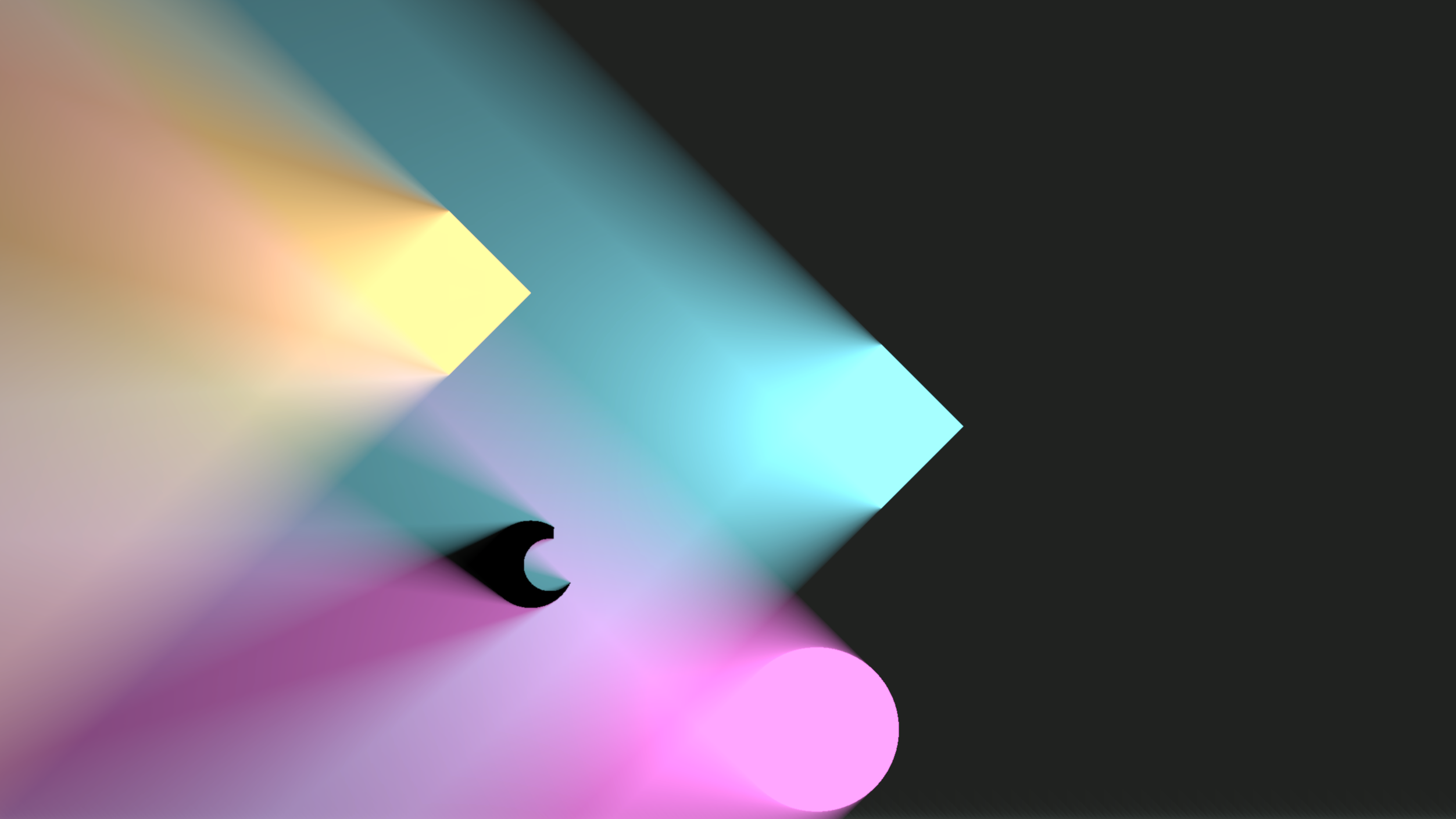
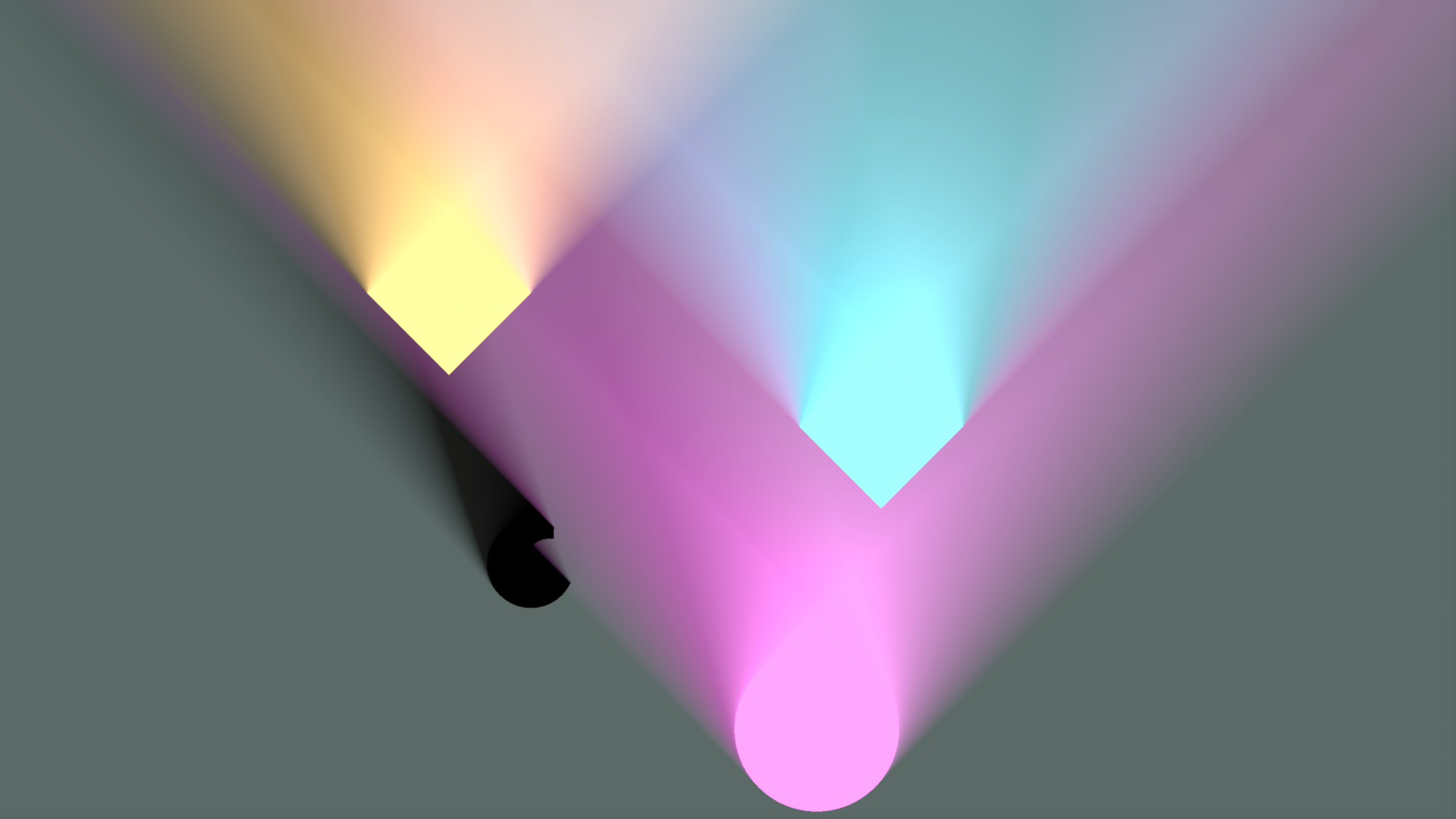
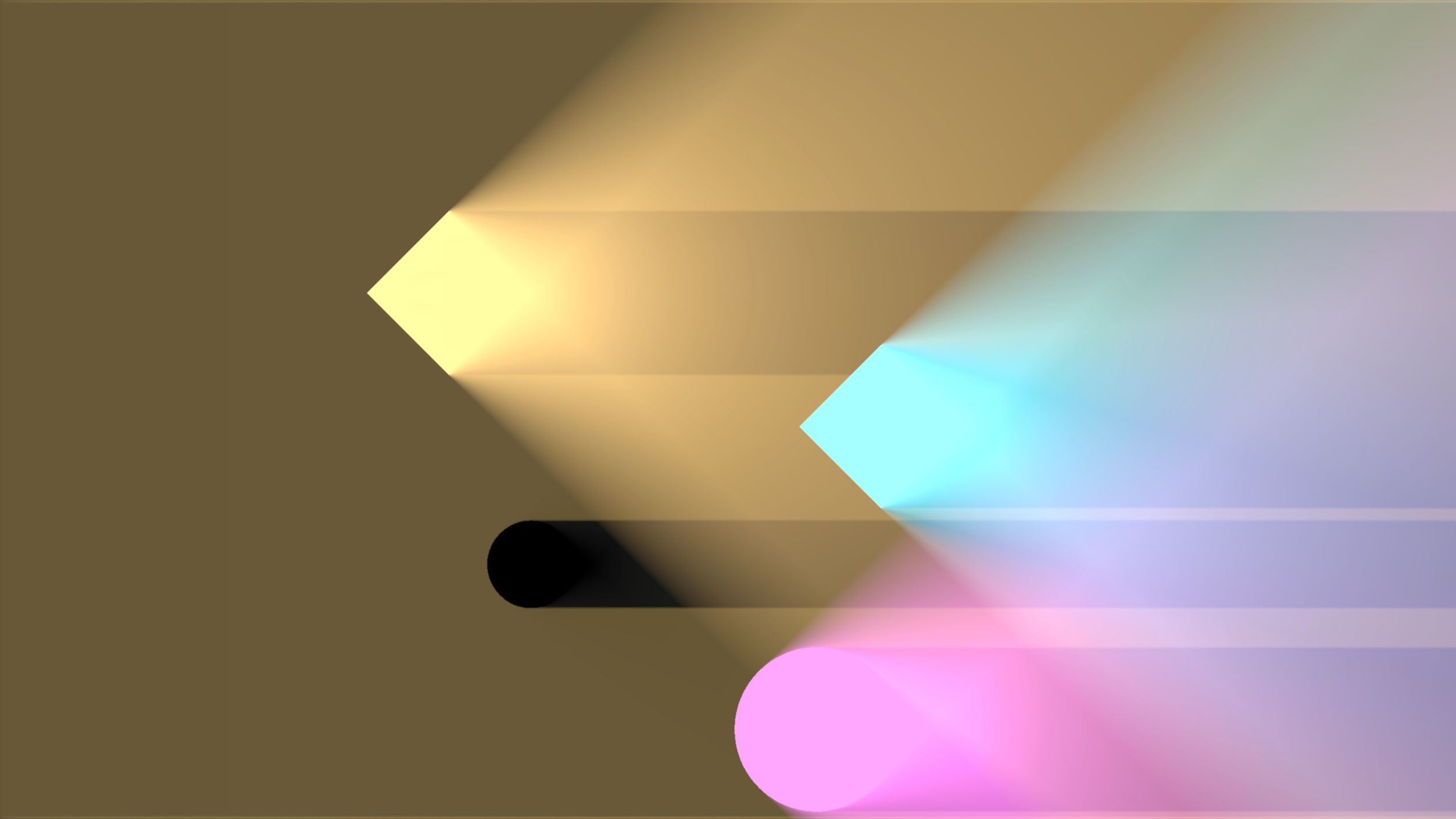
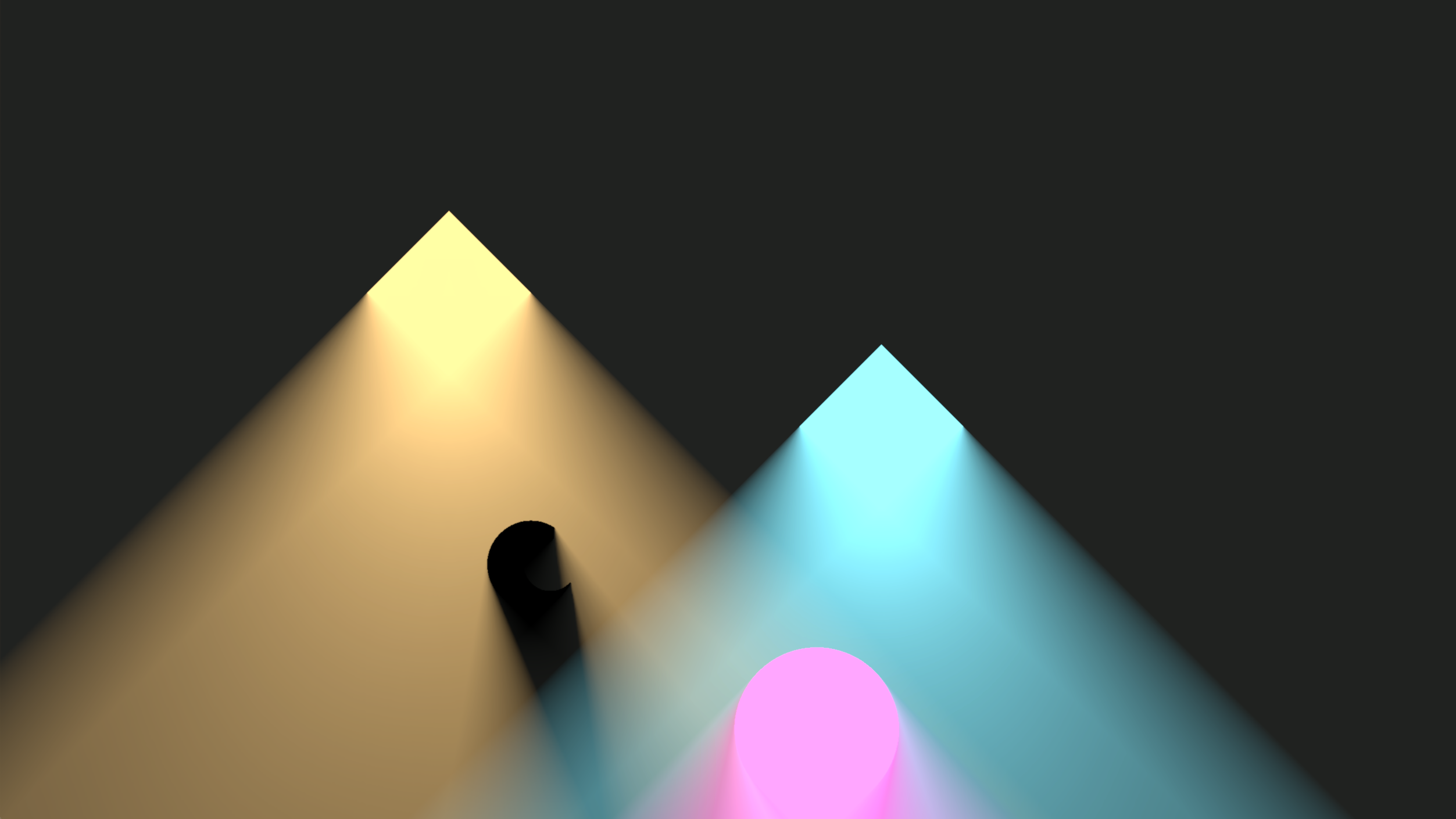
The result of the radiance cascades pass (regardless of the variant) is a set of screen-space lightmaps. The light map is a texture that stores light fluence data at each texel. All variants of radiance cascades produce five light maps: one main light map, storing the combined fluence data, and four directional light maps storing fluence coming from four cardinal directions separately.
The light maps are used by the built-in standard shaders (Radiance Cascades/RC-Sprite-Lit-Flat and Radiance Cascades/RC-Sprite-Lit-WithNormal). But they are also exposed as global textures and can be used by custom shaders.
See Usage Guide and the Nebula material in the Space demo.
Example light maps for the scene above
Main lightmap:
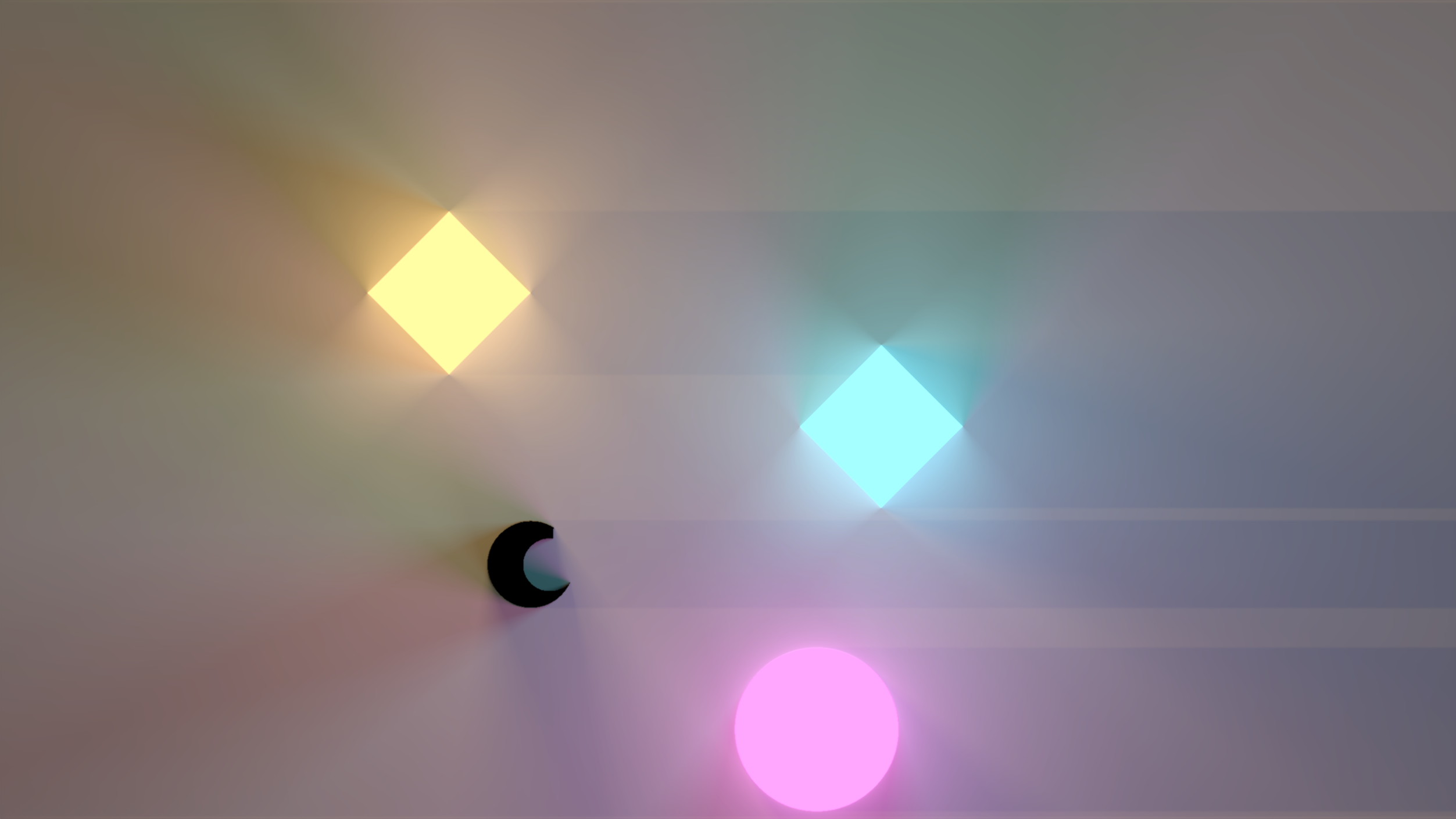
Directional lightmaps:
Light Types and Occluders
Both lights and occluders/shadow casters are represented by a unified "Light Contributor" class. Thus, an occluder is just a light which intensity equals zero. Note that all light sources support negative intensities, turning them into a sort of "light sinks." This is not physically correct, but it can be used for various artistic effects.
The system provides multiple classes of light contributors.
Global Lights
Global lights don't have a specific location and light the entire scene. There are two types of global lights.
Sky Light
Sky light represents a constant amount of light coming from all directions. Note that the sky light can still be occluded if there is a fully enclosed area.
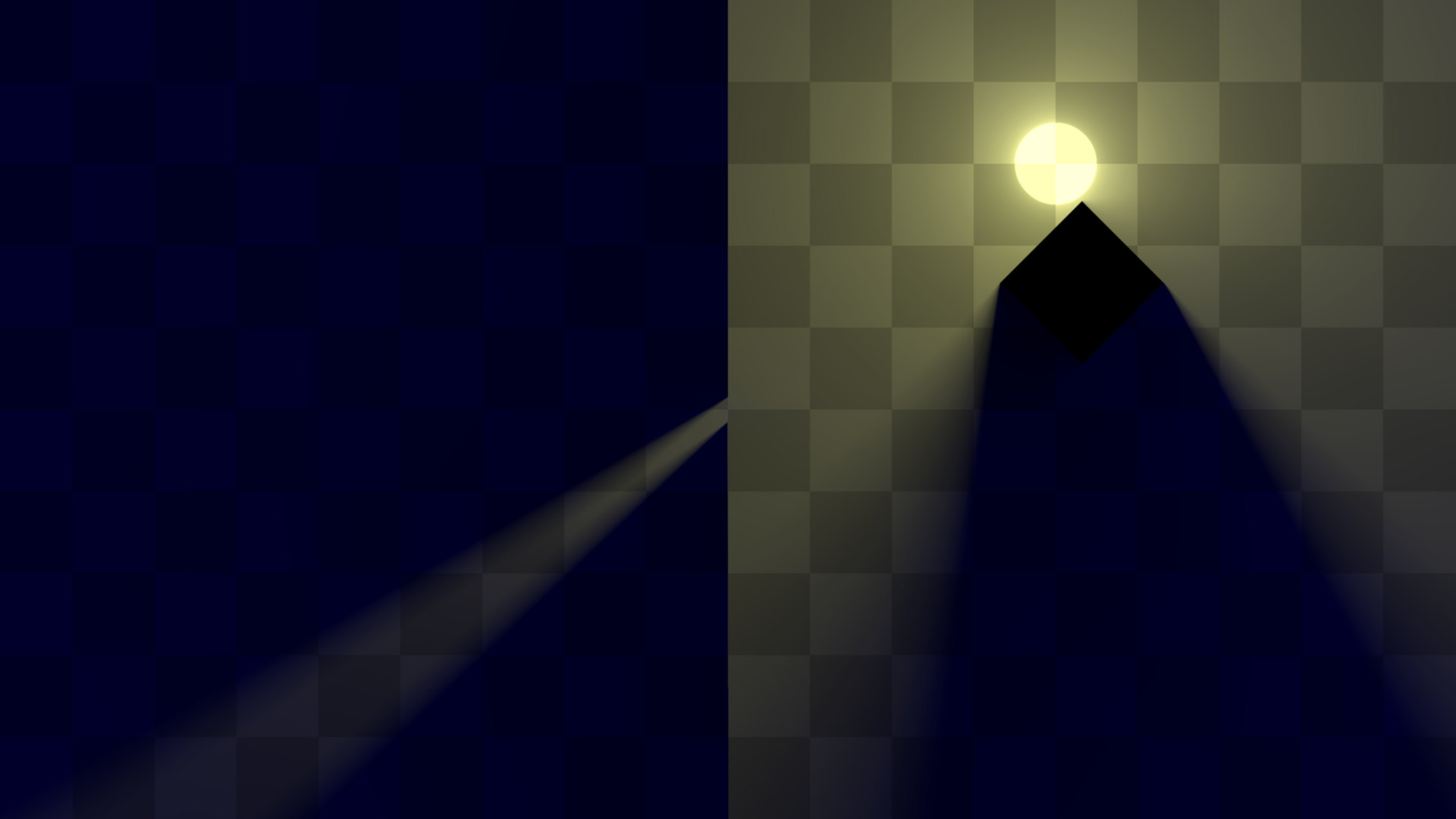 A dim blue sky light with two line occluders, a diamond-shaped freeform occluder, and a circle light source. Note that the sky light does not light the insides of the diamond occluder.
Directional Lights
Directional lights represent the constant amount of light coming from a specific direction with controllable softness. It effectively represents a light source at an infinite distance. The softness controls the size of such a light source (0 is a point light, 1 is a light that spans the entire semicircle)
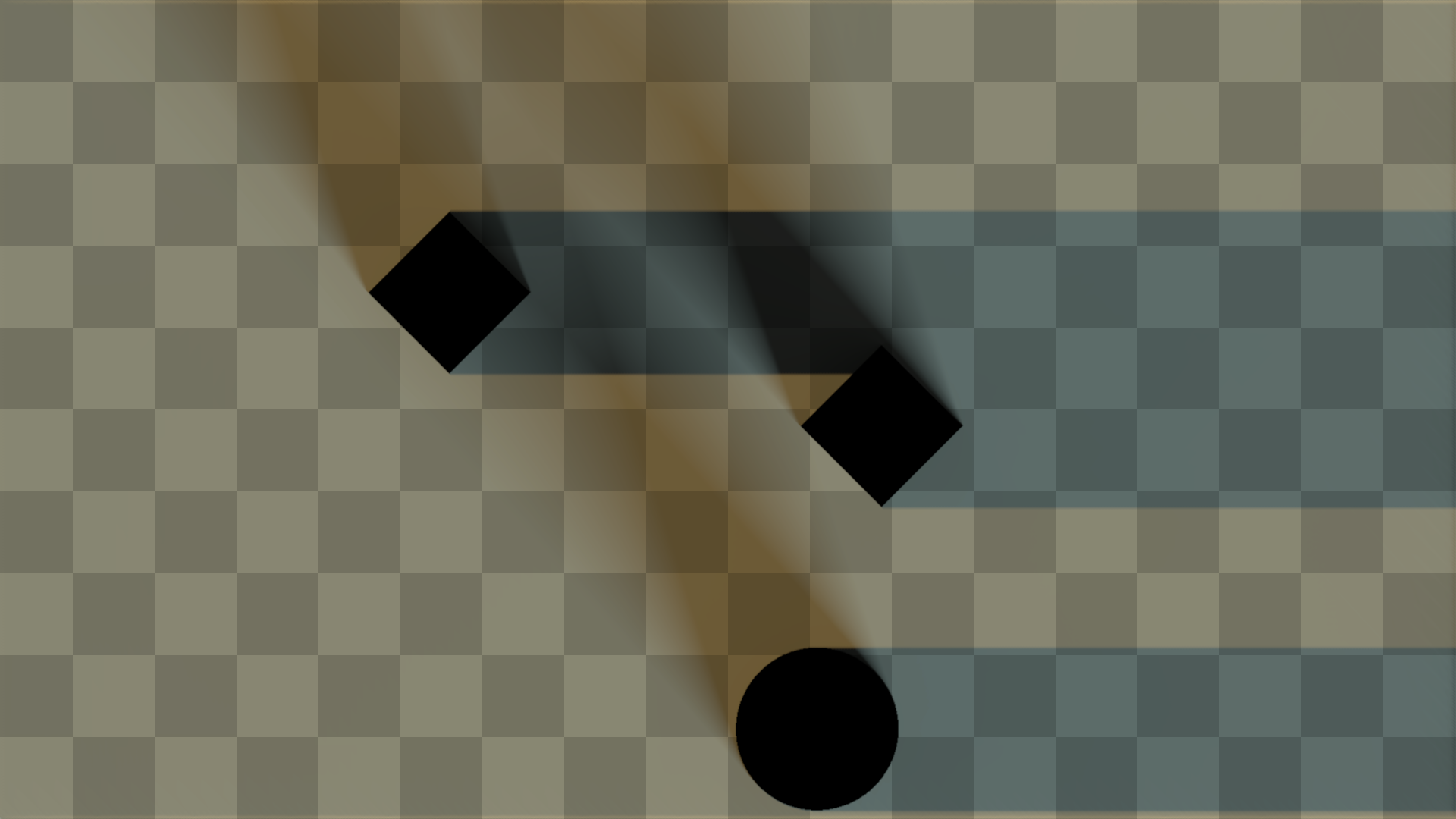 A subtle greenish skylight and two directional lights with some occluders. The first directional light shines a warm orange light to the right and has the softness of
 0, the second light shines cold blueish color in the upper-left direction (120°) and has the softness of 0.135.
Analytical Lights
Analytical lights are made of ideal mathematical shapes. Currently, the two basic shapes supported are a circle and a line. One notable property of analytical lights is their ability to act as one-sided lights or occluders. In this mode only one side of their surface interacts with the light, while the other is completely transparent. This can be especially handy if you're using diffuse shading with normals and need to make your game objects act as obstacles or light sources while receiving the lighting themselves.
Check out the Usage Guide and the Space demo for more info.
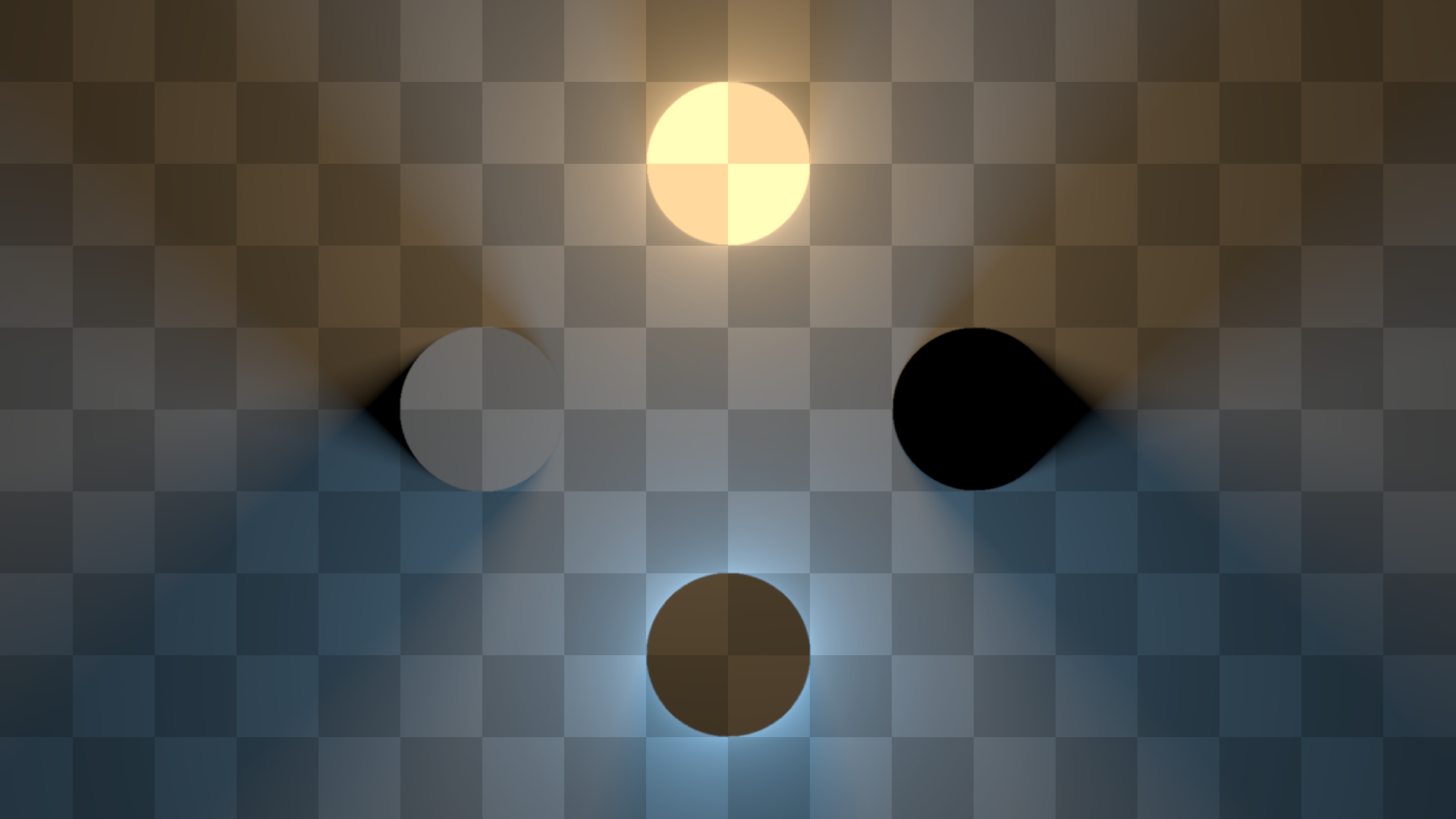
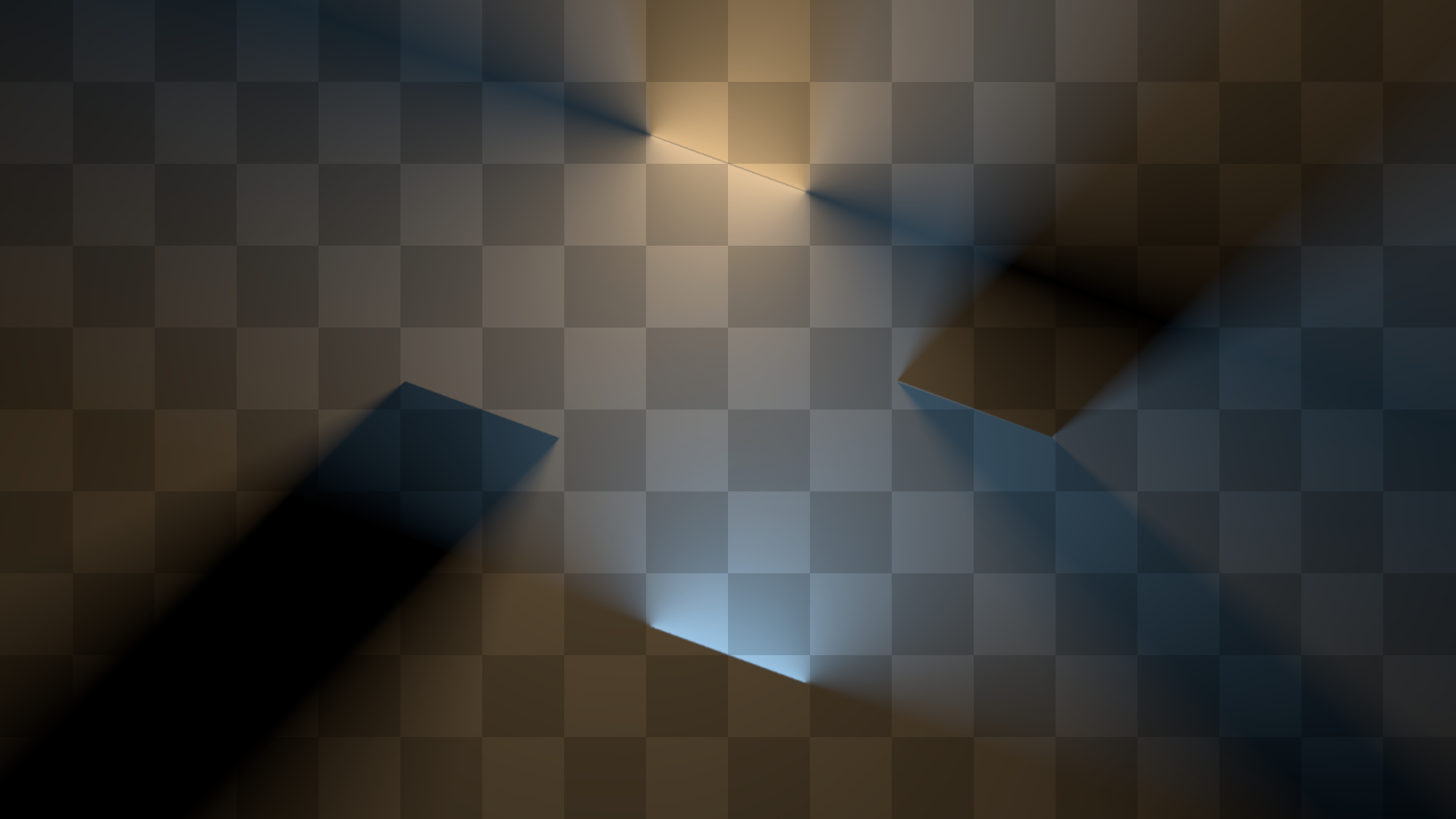
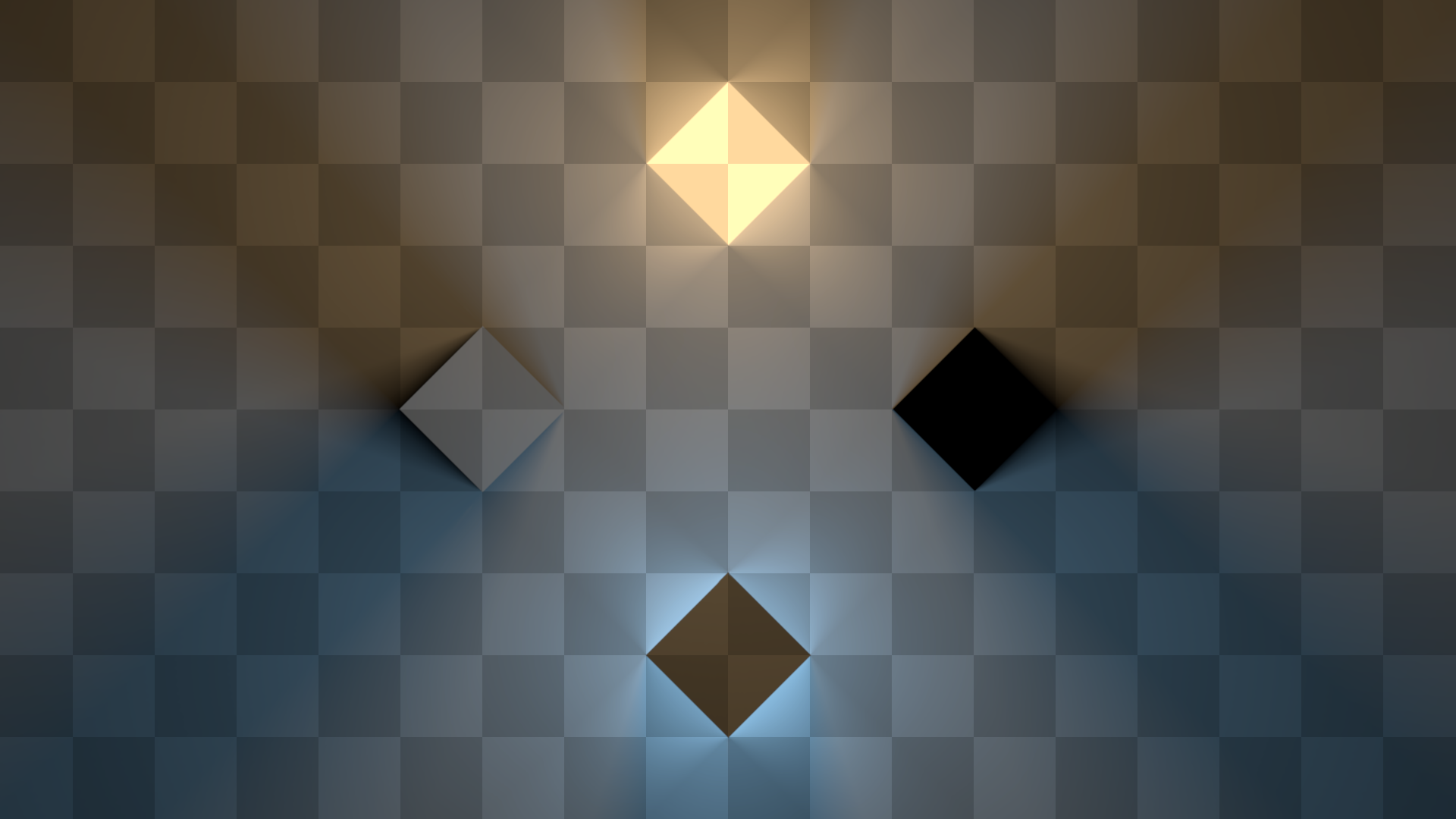
In all the images below, the top shape is a normal double-sided orange light, the right shape is a normal double-sided occluder, the bottom shape is a single-sided blueish light, and the left shape is a single-sided occluder.
Circle Lights
Circle lights represent circular lights and occluders.
Line Lights
Line lights represent lights and occluders in the shape of straight linear segments.
Freeform Lights
Freeform lights allow defining arbitrary shapes with connected straight lines. The diamonds in the following image are freeform lights.
Sprite Lights
Sprite lights are light sources and occluders represented by sprites. To determine the final light color, the sprite color is multiplied by the light color and the intensity. Note that the sprites are considered opaque. Thus, only the outer surface of the sprite is going to radiate light into the scene. Internal pixels will effectively illuminate only the area they cover.
The image below is lit by three sprite lights sources using the same sprite: 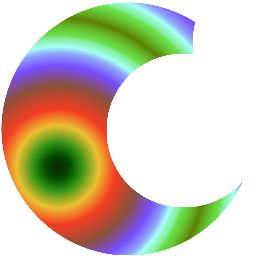
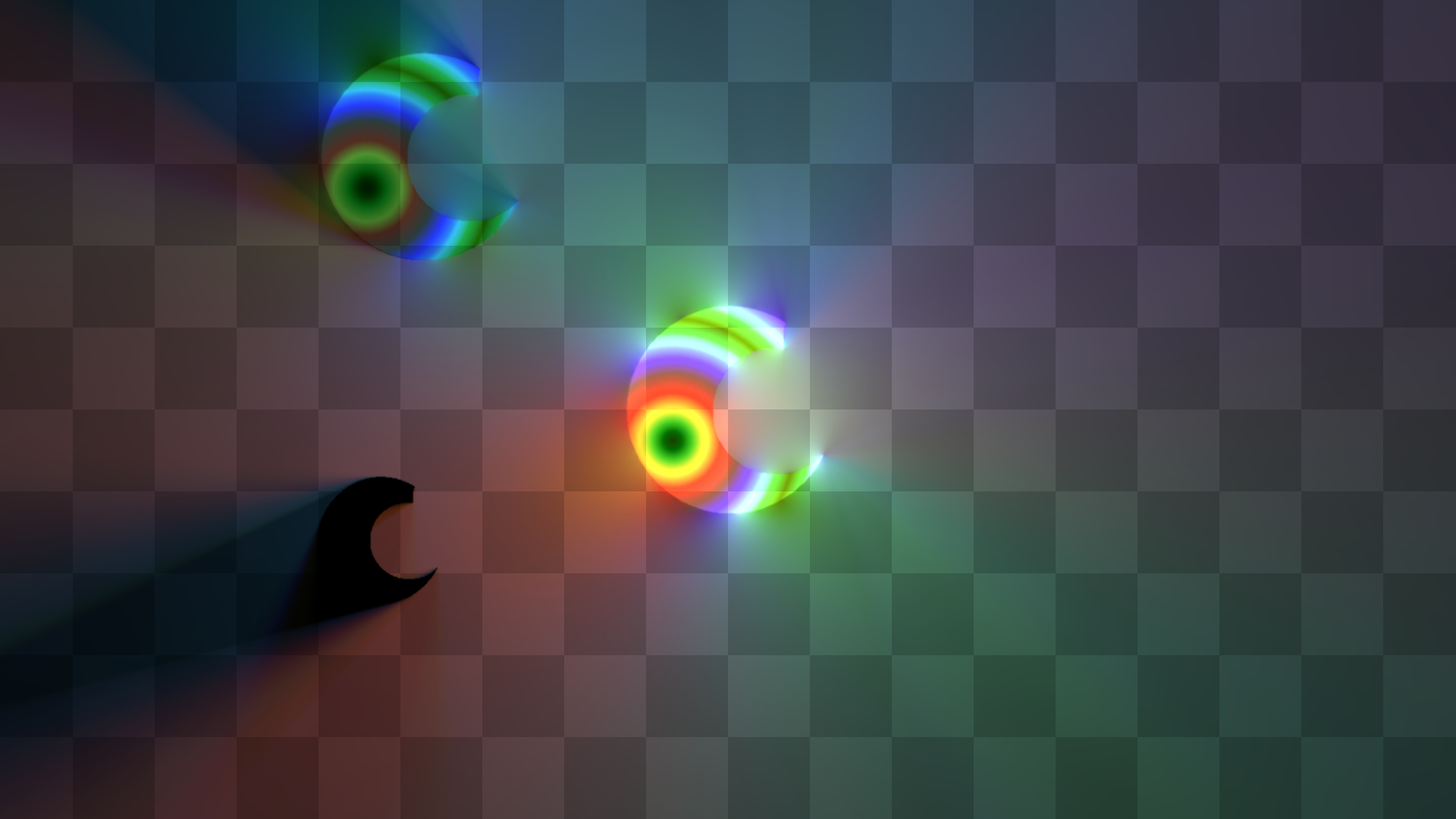
The right light has white color with intensity 2, the top one is blueish with intensity 1, and the bottom one has intensity 0, making it an occluder.